AI Summarizer for Students: Condense PDFs Into Study Guides That Stick
Use an AI summarizer to condense lecture notes and PDFs into concise study materials—then turn summaries into flashcards and quizzes for exam prep.
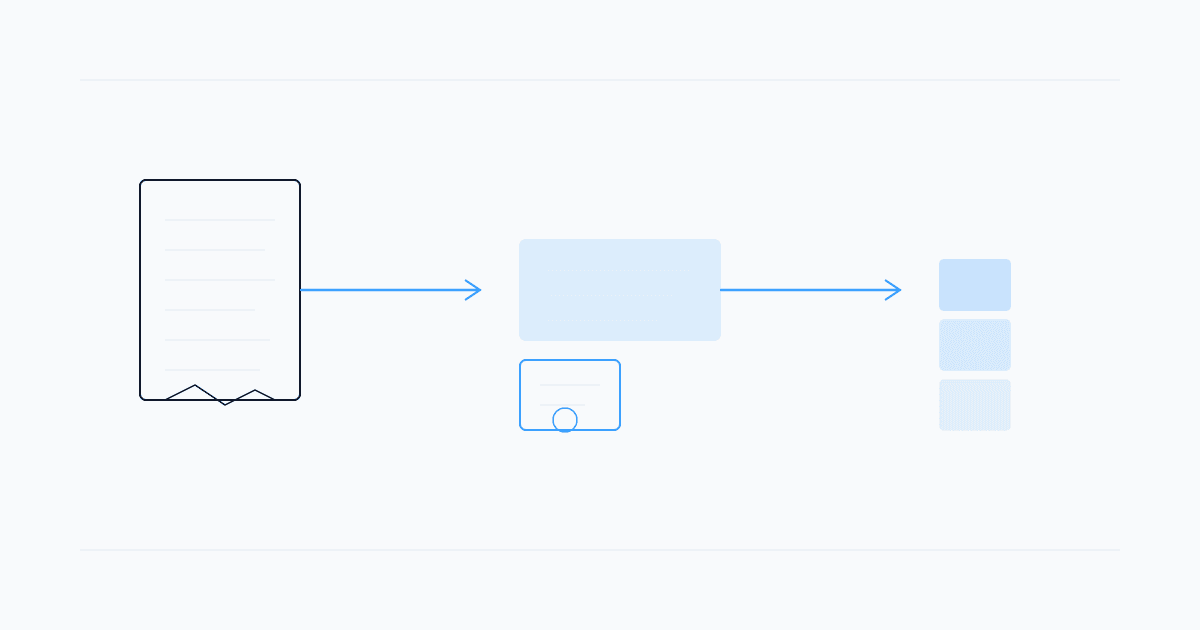
An ai summarizer can shrink a forty-page lecture PDF into a readable outline in minutes—but summaries only help on exams when you follow them with recall, not another passive read-through.
You probably reached for a summary tool after skimming three pages and realizing the midterm covers everything you marked "review later." The trap is treating condensed text as finished study material when you cannot explain the ideas from memory.
This guide covers when an ai summarizer for students saves time, when it misleads, and how to turn condensed notes into flashcards and quizzes that stick.
What an AI Summarizer Does for Study Materials
An ai summarizer reads uploaded text—a PDF, slide export, or pasted notes—and returns a shorter version: key terms, headings, bullet points, or a narrative overview.
Common uses:
- First pass on dense readings — map structure before deep reading
- Review before class — skim what last week's lecture covered
- Condensing lab manuals — extract steps and deadlines
- Study group prep — share an outline without retyping the chapter
Summaries compress information. They do not replace retrieval practice—proving you remember definitions without the screen open.
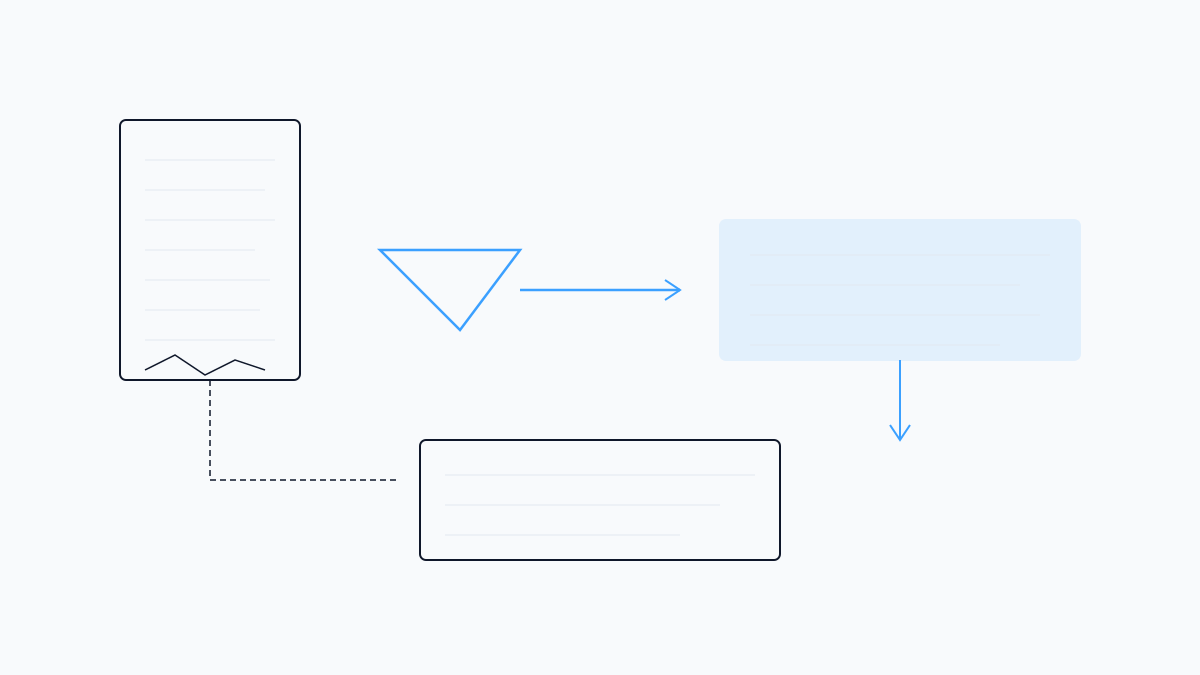
Summaries vs Active Recall: Do Not Stop at the Short Version
Reading a summary feels productive because the page count drops. On exam day, you need to produce answers, not recognize them in a formatted list.
A better workflow:
- Summarize one unit — identify five syllabus concepts
- Close the summary — write those five from memory
- Check gaps — reopen only to fill what you missed
- Drill — flashcards or a timed quiz on the same material
Studeum is built around your uploads: generate a study guide, then jump into flashcards via the AI flashcard generator from PDF or a closed-book check with the AI quiz generator from PDF.
For open chat versus study-grounded tools, see Studeum vs ChatGPT—verify every definition against your lecture notes.
Choosing an AI Summarizer: What to Look For
Not every pdf summarizer ai is tuned for coursework. Look for grounding in your file, length controls, and a path from summary to practice. STEM symbols often need a manual skim.
Pitfalls That Waste Summary Time
- Highlighting without recall — color-coded PDFs that never become questions
- Over-trusting tone — confident summaries can omit exceptions your professor tests
- Skipping original examples — worked problems rarely survive aggressive compression
- One giant upload — chapter-sized chunks beat entire textbooks
If a summary introduces terms your slides never used, check the source page.
Turn Summaries Into Exam-Ready Practice
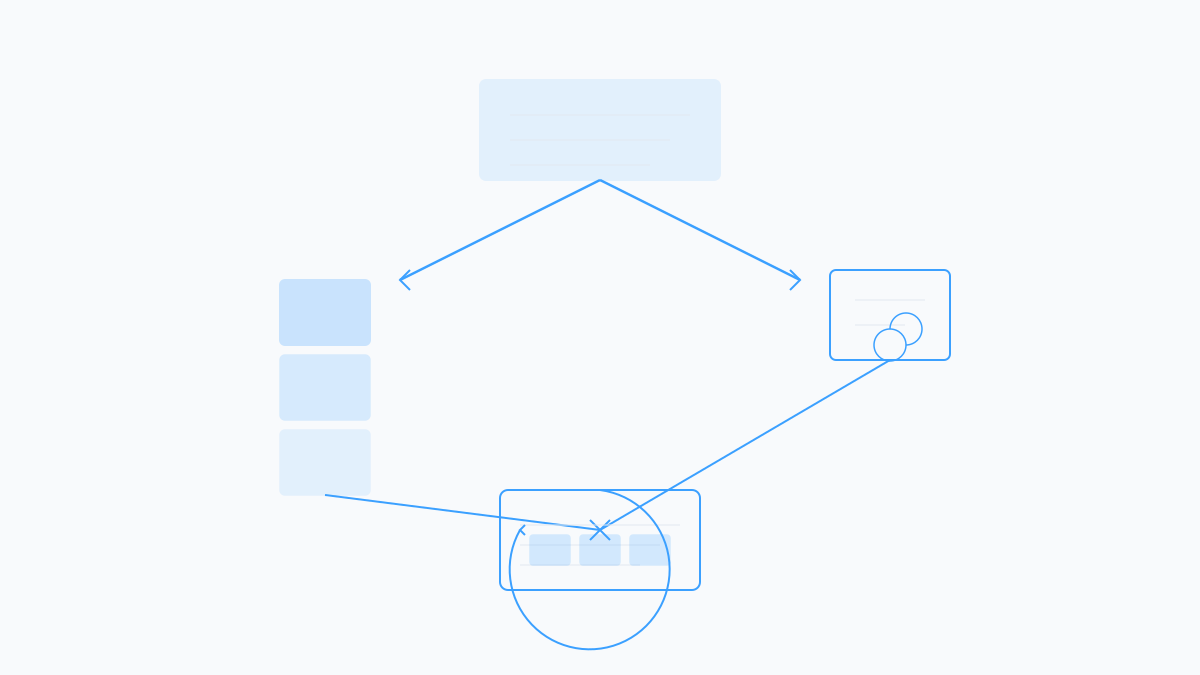
Once you have a condensed outline, spend twenty minutes on output:
- Flashcards — one term per card; include the exception
- Self-quiz — mix recall and short application questions
- Teach-back — explain two sections aloud without opening the file
- Spaced return — revisit the outline before the exam
Studeum keeps that chain in one place: upload, review the guide, trim weak cards, and run a quiz. Check Studeum pricing for quizzes and flashcards from PDFs without a separate summarizer subscription.
When to Summarize—and When to Read the Original
Summaries shine when readings are repetitive or you need orientation before office hours. Stay with the original when the exam is proof-based or lab rubrics grade process. Human tutors still beat any ai study summary tool for the "why does this step work?" moments summaries flatten away.
Start With One Chapter Today
Pick the PDF your next quiz will pull from. Run one chapter through an ai summarizer, list five headings you could not explain from memory, then try Studeum to build a ten-card deck from the same upload. Close the summary, run the deck once, and note what you missed.
More student-focused study guides live on the Studeum blog. Condensed notes save reading time—closed-book practice saves exam time.
Last updated: July 15, 2026.