Anki Alternatives in 2026: Faster Flashcards Without the Setup Tax
Looking for an Anki alternative or alternative to Anki? Compare top Anki alternatives and apps like Anki for faster PDF flashcards—without the card-creation grind.
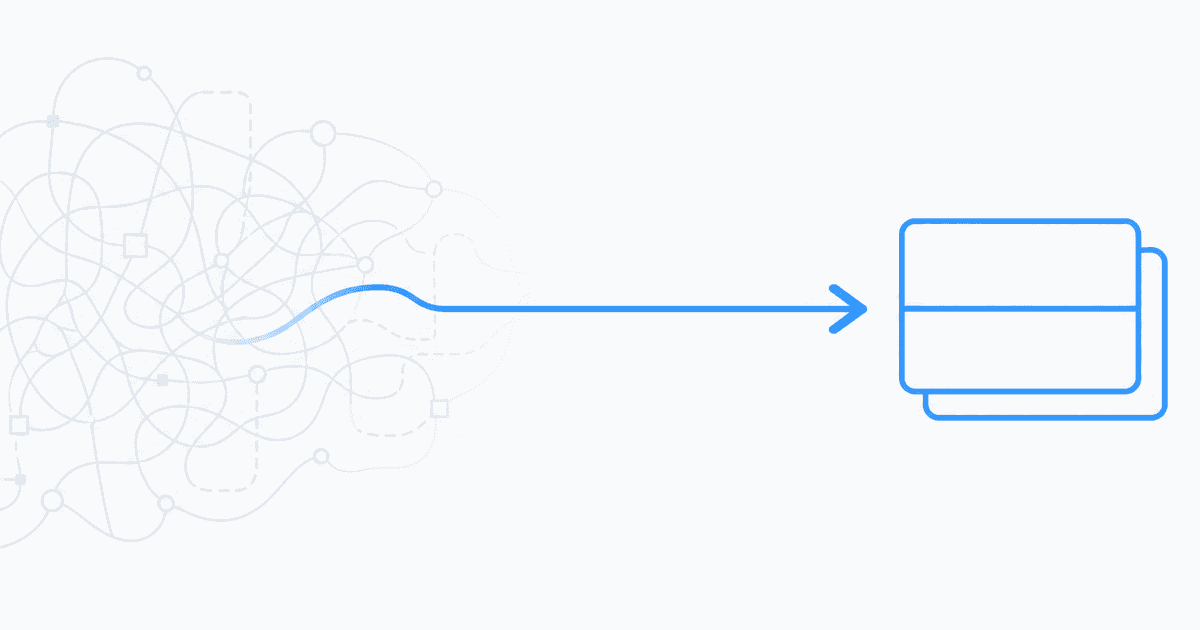
Direct answer: The best Anki alternative in 2026 depends on what you actually dislike about Anki. If you love spaced repetition but hate manual card creation, look for apps like Anki that generate flashcards and quizzes from your PDFs and notes—then optionally export persistent facts into Anki later. If you want zero setup entirely, consumer apps like Quizlet or Brainscape trade scheduling transparency for faster onboarding.
Anki remains the gold standard for long-interval spaced repetition when you are willing to invest in decks, tags, and add-ons. Many students quit not because the algorithm fails, but because turning a 40-page reading into 200 cards feels like a second job. This guide compares honest Anki alternatives for that bottleneck: authoring speed, exam alignment, and retrieval practice—not just prettier icons.
The Real Tradeoff: Control vs. Setup Tax
Anki's strength is control. You choose note types, fields, cloze patterns, image occlusion, and interval tweaks. The cost is setup tax: every definition, diagram, and edge case must pass through your fingers before review begins.
Alternative to Anki tools usually flip the equation:
- Faster authoring from uploads or shared decks
- Less transparent scheduling (or simpler confidence ratings)
- Integrated quizzes instead of flip-only cards
Neither side is universally better. The right pick is the one that gets you reviewing your syllabus material this week—not next month after you finish "organizing" tags.
Anki Alternatives Compared (2026)
| Option | Best for | Authoring speed | Scheduling depth | Works from your PDFs? | Honest limitation | |--------|----------|-----------------|------------------|----------------------|-------------------| | Studeum | Students who hate card creation; PDF-heavy courses | High — AI flashcards + quizzes from uploads | Medium — integrated review, not FSRS knobs | Yes — core workflow | Not a drop-in Anki clone; you curate AI output | | Quizlet | Shared class decks; low-friction study modes | Medium — manual or AI assists | Medium — lighter than Anki | Limited — mostly prebuilt/manual | Popular decks may contain errors | | Brainscape | Confidence-weighted intervals without add-on culture | Medium | Medium–high — confidence ratings | Limited | Less customization than Anki | | RemNote | Notes and cards in one linked workspace | Medium — note-first | Medium | Via notes, not native PDF pipeline | Learning curve for graph-style workflows | | Mochi | Markdown lovers; minimal UI | Medium — text-first | Medium | Manual / paste workflows | Smaller ecosystem than Anki | | Stick with Anki | Languages, medicine, multi-year retention, image occlusion | Low — you build everything | Highest — SM-2/FSRS, add-ons | Manual card creation | Setup tax is the product |
For a deeper Studeum-vs-Anki breakdown—algorithm tuning, pricing, migration—read Studeum vs Anki. For scheduling fundamentals across tools, see spaced repetition apps.
Studeum — Best Anki Alternative When Card Creation Is the Bottleneck
If you searched anki alternative because Browse mode makes you miserable, Studeum targets the step Anki skips: turning assigned readings into practice.
Upload a chapter PDF, slides export, or pasted notes. Studeum generates a study guide, flashcards, and quizzes anchored to your file—not a generic deck from another university. You edit for accuracy ("Does this match what my professor tests?") instead of transcribing every line at 2 a.m.
Use Studeum when:
- Your course scope is defined by specific PDFs, problem sets, or lecture slides
- You want quizzes plus cards from the same source in one workflow
- You need a fast first pass before deciding what deserves long-term spacing
Skip Studeum when:
- You already maintain mature Anki decks you trust
- Your course has no digital materials to upload
- You require image occlusion, audio cards, or FSRS fine-tuning as non-negotiables
Start with one difficult chapter on /try. For card-focused workflows, see the AI flashcard generator from PDF page. Compare plans on /pricing.
Quizlet — Apps Like Anki for Shared Decks
Quizlet wins when your class already shares a deck and adoption speed matters more than interval transparency. Study modes feel familiar within minutes; AI assists can draft cards from notes.
The tradeoff: scheduling is less visible than Anki's, and community deck quality varies. For high-stakes exams, verify cards against your syllabus—not the average deck upvoted last semester.
If Quizlet's social layer fits your program but you need tighter PDF alignment, read Quizlet alternatives for overlapping options.
Brainscape — Structured Repetition Without the Anki Learning Curve
Brainscape asks how well you knew each card and adjusts intervals from confidence ratings. It sits between consumer polish and serious repetition: more structure than Quizlet, less maintenance than Anki's add-on stack.
Strong pick when you want daily review rhythm without forums about note types—but you still accept manual or semi-manual card entry for proprietary readings.
RemNote — Alternative to Anki for Note-First Learners
RemNote connects bullet notes, PDF highlights, and flashcards in a graph-like workspace. If your mental model is "everything links to everything," RemNote can replace a separate notes app plus Anki—for courses where you live inside one document tree.
Less ideal when your bottleneck is batch-generating practice from a fresh weekly PDF with minimal formatting.
Mochi — Lightweight Markdown Decks
Mochi appeals to students who want plain-text cards, keyboard shortcuts, and a calm UI. It will not match Anki's add-on ecosystem or Studeum's upload-to-quiz pipeline, but it keeps authoring simple if your material is already in Markdown.
When Anki Still Wins
Stay with Anki (or use it as your long-term archive) when:
- Multi-year retention matters—languages, pre-health pathways, board-style fact density
- You rely on image occlusion, audio cards, or heavily customized note types
- You have years of curated decks and migration would cost more than maintenance
- You enjoy tuning intervals and treat deck hygiene as part of the craft
Anki desktop is free; the "price" is time. For many power users, that trade is rational. For semester courses where the reading changes every week, the setup tax often is not.
A Hybrid Workflow That Works
You do not owe loyalty to one icon on your home screen. A pattern many students use:
- After each lecture or reading: upload the PDF to Studeum → run a quiz → flag misses
- Weekly: migrate only high-yield facts into Anki (or Brainscape) for long-interval spacing
- Before exams: closed-book quizzes on weak themes—not just card flips
Studeum acts as an extraction layer; Anki remains the scheduling engine if you want both speed and depth. See Studeum vs Anki for where each tool should lead.
FAQ: Anki Alternatives
What is the best Anki alternative for students who hate making flashcards?
Tools that generate cards and quizzes from your uploads—like Studeum—address the authoring bottleneck directly. Consumer apps like Quizlet help if shared decks already match your class. None fully replicate Anki's scheduling transparency without some setup.
Are apps like Anki as good for spaced repetition?
Many apps like Anki include spacing, but algorithms and configurability differ. Anki's SM-2/FSRS stack remains the reference for power users. Alternatives often win on time-to-first-review, not on every scheduling knob.
Can I use an Anki alternative and still use Anki?
Yes. Generate practice from PDFs quickly, then export or manually copy persistent items into Anki. Hybrid stacks are common; your obligation is to the exam, not the app.
Is Quizlet a good alternative to Anki?
For shared decks and fast onboarding, often yes. For multi-year retention with image-heavy workflows, often no. Match the tool to the course length and stakes.
What about free Anki alternatives?
Anki desktop is already free. "Free alternative" usually means trading subscription or time elsewhere—manual deck building on Quizlet, or AI-assisted authoring on a paid tier after trial. Compare total hours, not just list price. See /pricing for Studeum's current tiers.
Honest Limitations (Including Studeum)
No Anki alternative fixes bad study habits:
- Card explosion: generating hundreds of low-yield cards still creates review debt—curate ruthlessly
- Recognition vs. recall: flipping cards can feel easy while blank-page exams expose gaps—mix quizzes
- Deck drift: community content may not match your instructor's emphasis
- AI drafts need editing: always verify technical terms against your source PDF
Studeum is not a replacement for proofs, labs, essays, or office hours. It reduces friction between having material and testing yourself on it.
Who Should Switch Mid-Semester?
Switch when card creation delays review—you have unreadings piling up while you format fields. Do not switch during exam week unless you can run tools in parallel for one unit first. Export or screenshot anything you might need from old decks before canceling subscriptions.
Start This Week
Pick one chapter you have been avoiding. If card creation is the blocker, upload it via /try, run a ten-minute quiz, and list three ideas you could not explain aloud. That gap list beats another hour in Anki's Browse screen.
If you already love Anki's scheduler, keep it—and consider whether an extraction tool saves your Sundays. For more option comparisons, browse Quizlet alternatives and spaced repetition apps.
Last updated: July 16, 2026.