Top Study Apps in 2026: Tailored to Your Study Habits
Explore the best study apps of 2026, including focus timers, AI-driven note tools, and flashcard creators, all organized to suit your unique study habits rather than marketing claims.
The term “best study app” can feel almost meaningless without proper context. What works wonders for a medical student managing thousands of Anki cards may not serve a commuter juggling lab courses and a part-time job. The real predictor of success is fit: does the tool align with how you capture information, practice skills, and maintain focus?
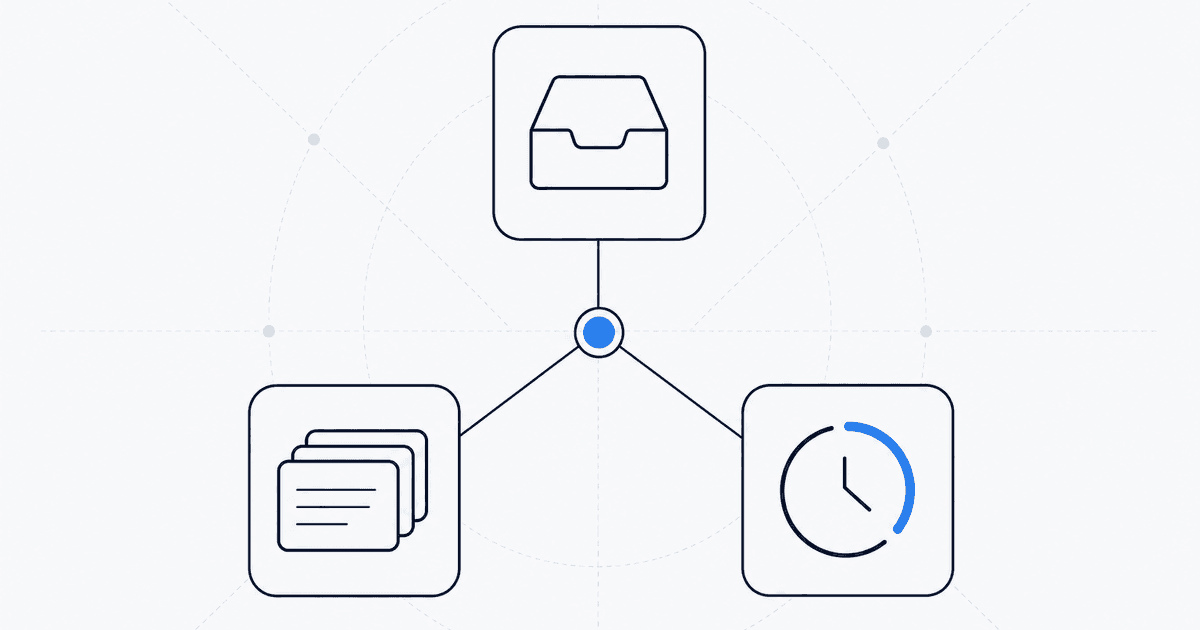
Most students require three key capabilities in their study tools: capture (consolidating information in one place), recall (the ability to produce or recognize information), and continuity (ensuring you return to your studies consistently). When these functions are scattered across multiple unrelated apps, you end up wasting cognitive energy managing tools instead of absorbing material.
For those seeking a robust AI-native bridge that transforms raw readings into structured practice—such as study guides, flashcards, and quizzes generated from your uploads—Studeum is a top contender in 2026. It excels when your exam preparation relies on your specific PDFs and slides rather than generic online explanations.
Structure and Deep Notes
For students who thrive on creating organized systems, Notion and Obsidian are invaluable. Notion shines with its ability to create dashboards, semester plans, and collaborative team pages. Obsidian, on the other hand, is exceptional for linking thoughts, managing local files, and offering extensive customization. While neither app offers practice exercises on their own, they serve as excellent platforms for storing, connecting, and refining ideas over time.
Flashcards and Spaced Repetition
Anki remains the go-to app for students who value transparent scheduling, access to community decks, and long-term retention—particularly in language learning and pre-health fields. The trade-off is the initial setup time and a user interface that benefits those with patience.
Quizlet is known for its user-friendly interface and ease of discovering decks, especially if your class already shares them. If your primary need is lightweight memorization without the need for extensive customization, Quizlet often suffices—until you need tighter integration with proprietary readings.
Focus and Friction Reduction
Tools like Forest, built-in OS focus modes, and blockers such as Freedom tackle a different challenge: time wasted on task-switching rather than genuine studying. Even the best calendar can't help if constant notifications disrupt your focus. Pair these focus tools with bounded study blocks—45 minutes of dedicated retrieval practice is more effective than two hours of half-hearted rereading.
Writing, Math, and Worked Examples
When your course grade hinges on execution—such as derivations, mechanisms, or diagrams you must recreate from memory—apps like Goodnotes become essential. Combining digital ink with structured practice tools creates a powerful learning loop, reinforcing both motor and conceptual memory.
Combining Tools Without Chaos
A well-balanced study stack might consist of: one home base for planning and links (like Notion), one retrieval engine (such as Anki, Quizlet, or Studeum, depending on whether your bottleneck is authoring or source alignment), and one focus ritual (using a timer and implementing a phone-off rule). If you add more tools, ensure each one serves a unique purpose that the others cannot fulfill.
Studeum is particularly effective as a bridge: upload your reading materials, receive guides, flashcards, and quizzes, and then focus your attention on deeper tasks—like problem sets, essays, and labs—without spending your weekend manually organizing PDFs.
Trials, Subscriptions, and “App Creep”
Most study apps operate on a subscription model. Before accumulating subscriptions, ask yourself: which app would I cancel first if I needed to cut costs? If an app can't survive this scrutiny, it might be optional. Approach trials with purpose—choose a challenging week in your syllabus, commit to logging your sessions, and measure your confidence on assignments rather than focusing on superficial streaks.
Offline capabilities are crucial as well: download essential PDFs if you anticipate unreliable connectivity; take screenshots of key formulas in case distractions arise. Your study stack should be resilient—your exam success shouldn’t hinge on a single app’s uptime.
Students Juggling Work and Care
If you study in short bursts between work shifts, prioritize tools that minimize startup time. Workflows that require a single upload are more effective than those needing extensive formatting before you can begin. A quick five-minute quiz session on Studeum after each shift can accumulate significant learning gains compared to ambitious weekend plans that often go unfulfilled.
International Students and Dense Readings
For those learning in a non-native language, retrieval practice doubles as active vocabulary building. Hearing lectures once is rarely sufficient; quizzes that demand precise distinctions enhance reading stamina more effectively than passive highlighting. Pair Studeum outputs with spoken practice: read summaries aloud, then attempt to answer questions without looking. This multimodal approach solidifies the vocabulary needed for timed exams.
When to Reset Your Stack Mid-Semester
If your Notion setup no longer reflects your current needs, don’t hesitate to start fresh. Outdated dashboards create guilt rather than clarity. Rebuild with a focus on this week’s objectives: set three measurable targets, link relevant files, choose one retrieval tool, and maintain one calendar. Complexity is temporary; consistency is crucial.
Device Boundaries for Deep Work
Tablets can tempt you to multitask, while phones can hijack your attention with seemingly urgent notifications. If your study tools are browser-based, consider dedicating a specific browser profile with extensions disabled and messaging silenced. Physical separation—like placing a kitchen timer across the room—often outperforms relying on willpower late at night. Even the best app can't help if your attention is never fully engaged with the material.