Flashcard Maker From Notes: Turn Messy Lecture Notes Into Cards You Will Actually Review
A flashcard maker from notes saves hours of retyping—learn how to convert PDFs, slides, and class notes into review-ready cards without losing what your professor emphasized.
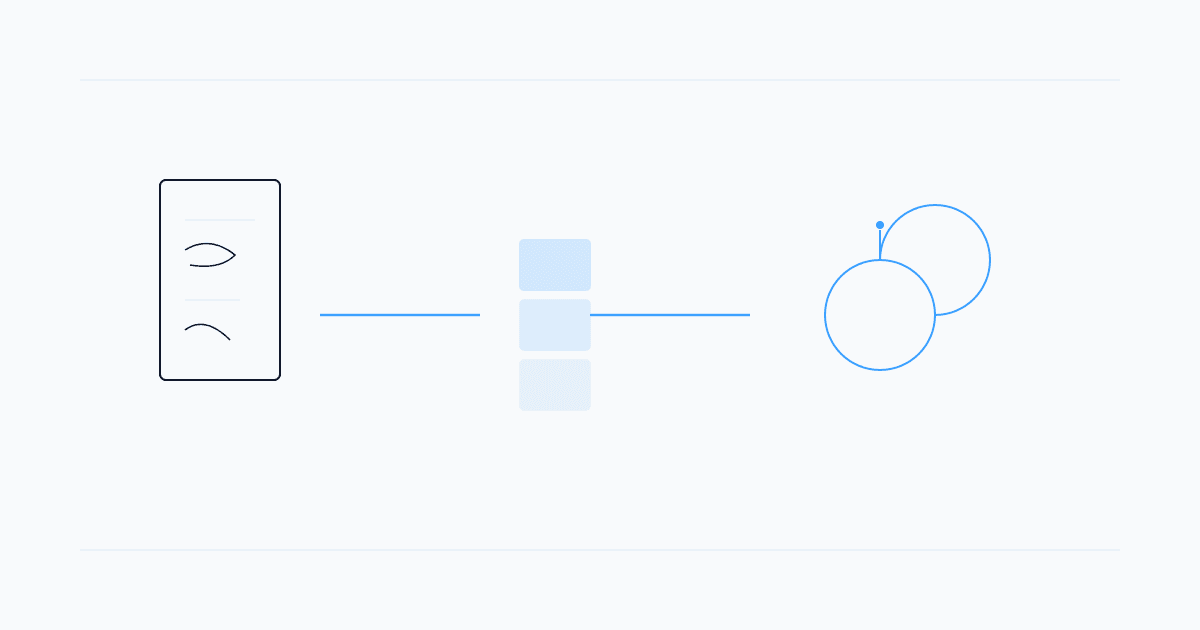
A flashcard maker from notes solves the part of studying most students quietly dread: turning a pile of lecture scribbles, exported slides, and chapter PDFs into cards you can drill before the exam. The goal is not more cards—it is fewer, better cards tied to what your instructor actually tested in past weeks.
This guide walks through when automation helps, when you should edit by hand, and how to build a repeatable workflow from raw notes to spaced review—without copying paragraphs onto index cards that you never open again.
Why Manual Card-Making Breaks Down
Hand-making flashcards works for small topics. It falls apart when:
- You have fifty pages of notes across three units due next month
- Definitions use course-specific wording you do not want to paraphrase wrong
- You keep retyping the same facts you already wrote in Notion or OneNote
- Cards pile up with no review schedule, so creation becomes procrastination dressed as productivity
A notes-to-flashcards tool should shrink the typing step, not replace thinking. You still choose what matters; the software handles formatting, grouping, and export.
What to Upload (and What to Skip)
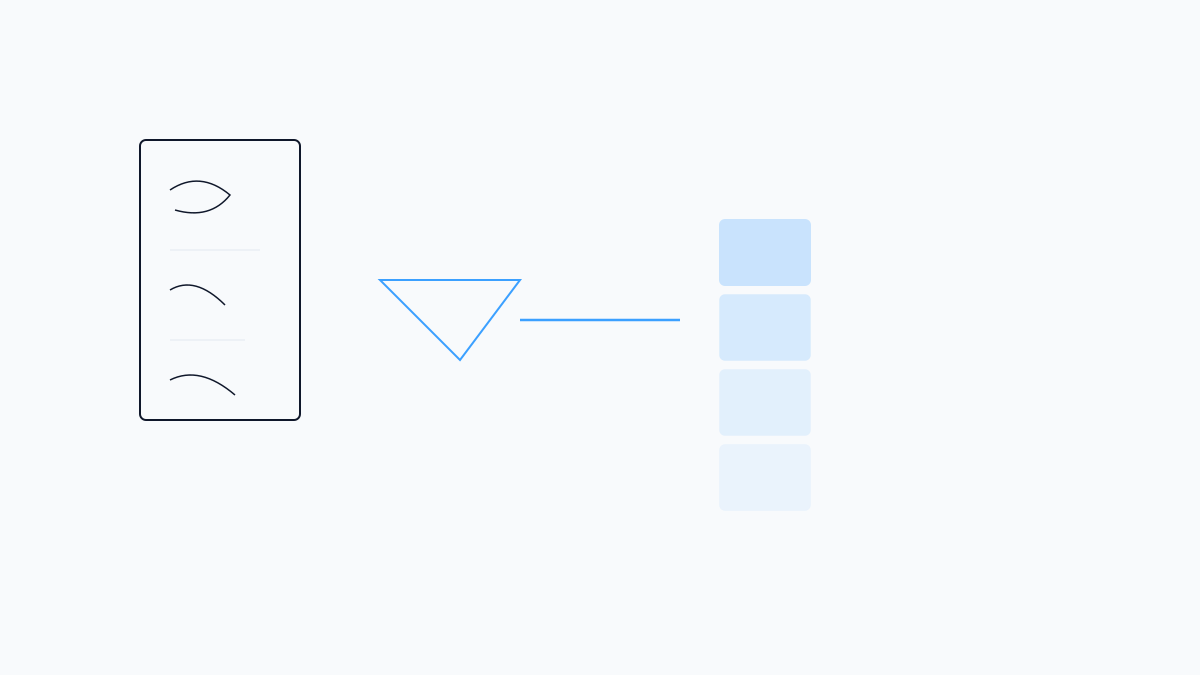
Flashcard makers work best on structured source material:
- Lecture PDFs and slide decks
- Typed class notes exported as PDF or pasted text
- Textbook chapter scans with readable OCR
- Study guides you already summarized once
Skip uploading entire syllabi, assignment prompts, or unreadable phone photos unless the tool supports cleanup. One chapter or one lecture at a time beats a semester zip file—you will edit faster and catch bad cards early.
How a Flashcard Maker From Notes Works
Most tools follow the same pipeline:
- Ingest — upload or paste your notes
- Extract — identify terms, definitions, steps, and cause-effect pairs
- Draft cards — front/back or cloze format
- Review — you delete fluff, split long answers, fix notation
- Study — shuffle, rate difficulty, or sync to spaced repetition
AI-assisted makers infer candidate Q&A pairs from headings and bold terms. Rule-based tools look for patterns like "X is defined as…" or numbered lists. Neither is perfect; plan ten minutes of edits per lecture.
Studeum fits this pipeline when your notes live in PDFs or slides: upload once, get flashcards grounded in the file—not generic trivia. Pair it with the AI flashcard generator from PDF flow when cards are your primary output, or add quizzes via the AI quiz generator from PDF when you want closed-book checks too.
Editing Rules That Keep Cards Exam-Ready
Automation drafts; you enforce quality:
- One fact per card — split multi-step proofs across cards
- Ask for production — "Define…" and "Explain why…" beat yes/no prompts
- Mirror exam language — keep symbols, statutes, or formulas exactly as taught
- Add context sparingly — a five-word cue on the front beats a paragraph
- Delete duplicates — three cards on the same definition waste review time
If a card feels fuzzy after one week, rewrite the front so it triggers the right memory cue.
Flashcard Maker vs. Other Study Paths
| Situation | Lean toward | |----------|-------------| | Quick shared decks for intro courses | Quizlet | | Long-term SRS with heavy customization | Anki | | Notes and PDFs → cards + quizzes in one place | Studeum | | Open-ended explanations while drafting cards | Chat tools — verify against notes |
For a deeper look at how study-specific AI compares to general chat, see Studeum vs ChatGPT. The habit matters more than the brand: upload, edit, review on a schedule.
A 20-Minute Weekly Workflow
- Friday (10 min) — upload this week's lecture PDF; generate a draft deck
- Saturday (10 min) — cut weak cards; merge duplicates; star high-yield topics
- Daily (5 min) — review only starred cards until the next lecture lands
Before midterms, run one closed-book quiz on the same upload. Cards you miss become tomorrow's edit list—faster than rereading notes passively.
Common Mistakes
- Card count as progress — 400 shallow cards lose to 80 precise ones
- Never editing AI output — wrong definitions stick if you do not fix them
- No link to spaced review — export to a tool that schedules returns, or cards go stale
- Ignoring handwriting — scan legibly or retype only the messy page; garbage in, garbage out
Start With One Lecture
Pick the unit that felt fastest in class and weakest on the last quiz. Upload that file to a flashcard maker from notes, delete half the auto-drafts, and keep the twenty cards you would bet on for partial credit.
Try Studeum on a single PDF and compare whether the generated prompts match your professor's phrasing. If they do, you have a template for the rest of the semester; if not, your edit pass teaches you what to fix next time.
Last updated: July 11, 2026.