Transform Lecture PDFs into Study Flashcards
Effortlessly transform lecture PDFs into digital study flashcards with Studeum's AI Flashcard Generator. Enhance learning, memorization, and convenience today!
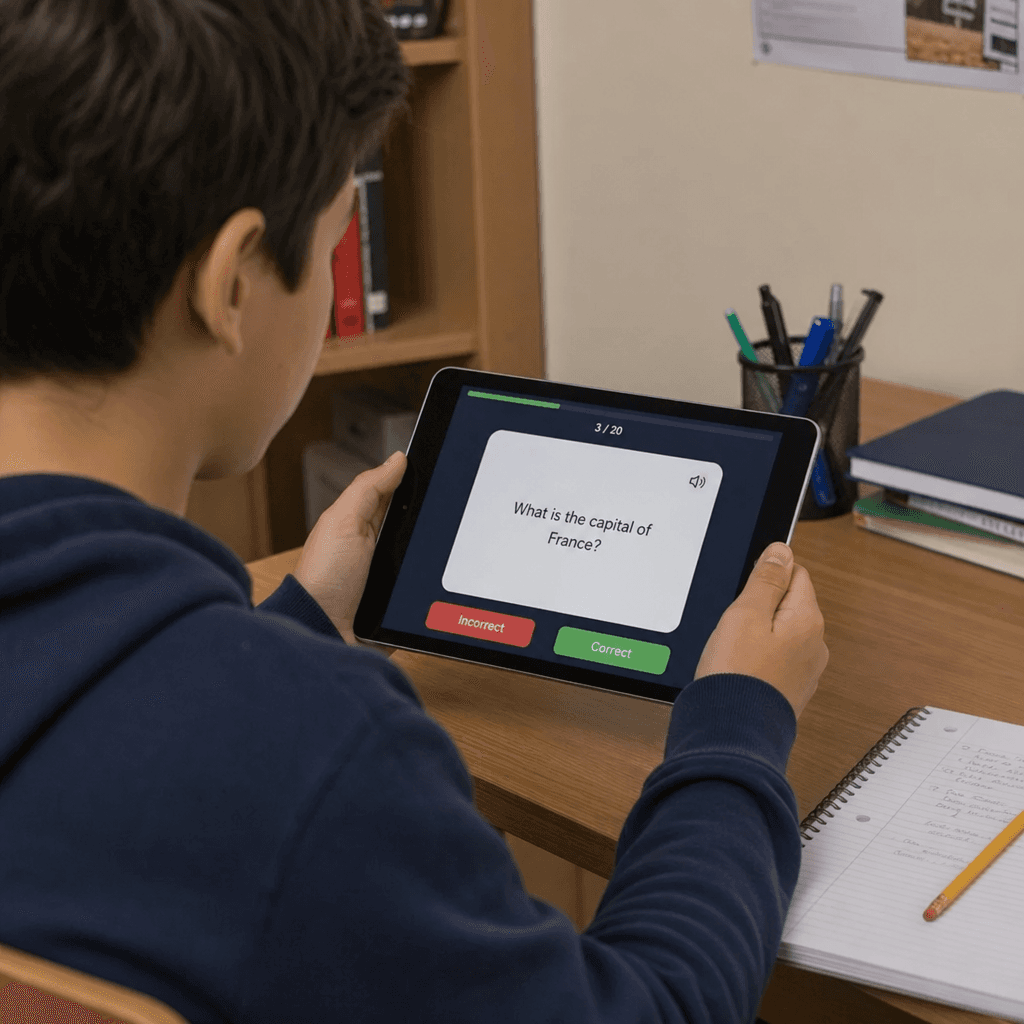
Transforming lecture PDFs into study flashcards has never been easier. With the rise of AI technology, students can now convert their notes into digital flashcards effortlessly. This innovative approach saves time and enhances learning efficiency.
AI flashcard generators, like Studeum, are revolutionizing study methods. They quickly extract key concepts from PDFs, turning them into interactive flashcards. This process not only aids memorization but also makes studying more engaging.
Digital flashcards offer flexibility and accessibility. They can be accessed on various devices, making study sessions convenient and adaptable. Whether you're at home or on the go, your study materials are always within reach.
Moreover, these flashcards can be customized to fit individual learning styles. This personalization ensures that each student can maximize their study potential. With AI-powered tools, learning becomes a more tailored and effective experience.
Why Use an AI Flashcard Generator for Studying?
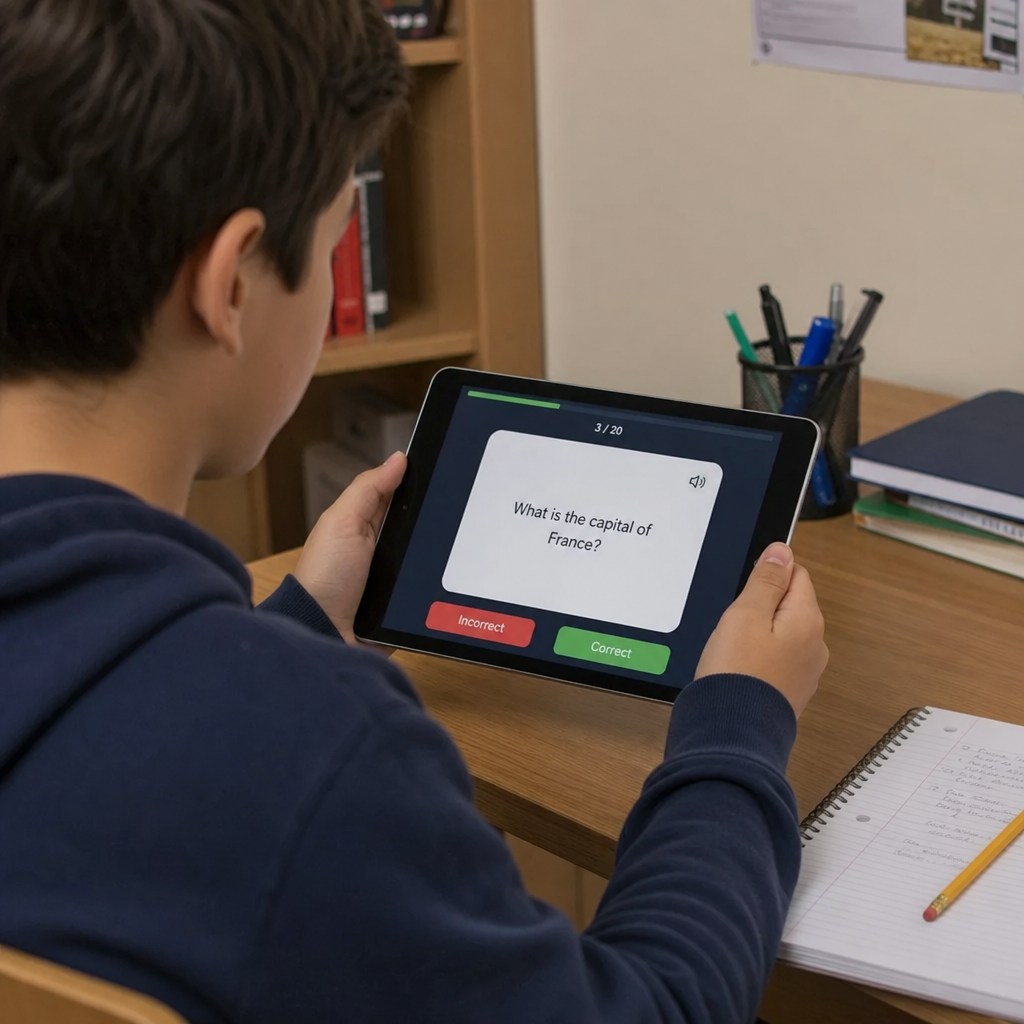
AI flashcard generators have transformed how students approach studying. They streamline the process of creating flashcards, making it quick and efficient. Instead of manually crafting cards, students can focus on learning.
Using AI means flashcards are more accurate and comprehensive. The technology identifies and extracts essential information from lecture PDFs. This ensures that key terms and concepts are captured effectively.
Moreover, digital flashcards provide the flexibility that physical cards cannot offer. They can include multimedia elements like images and audio, catering to diverse learning preferences. This makes studying more dynamic and engaging.
In summary, AI flashcard generators offer numerous advantages:
- Time-saving and efficient
- Accurate extraction of key content
- Inclusion of multimedia for enhanced learning
- Supports diverse learning styles
With these benefits, AI tools enhance memorization and deepen understanding, making them invaluable for students.
How AI Flashcard Generators Work: From PDF to Flash Cards
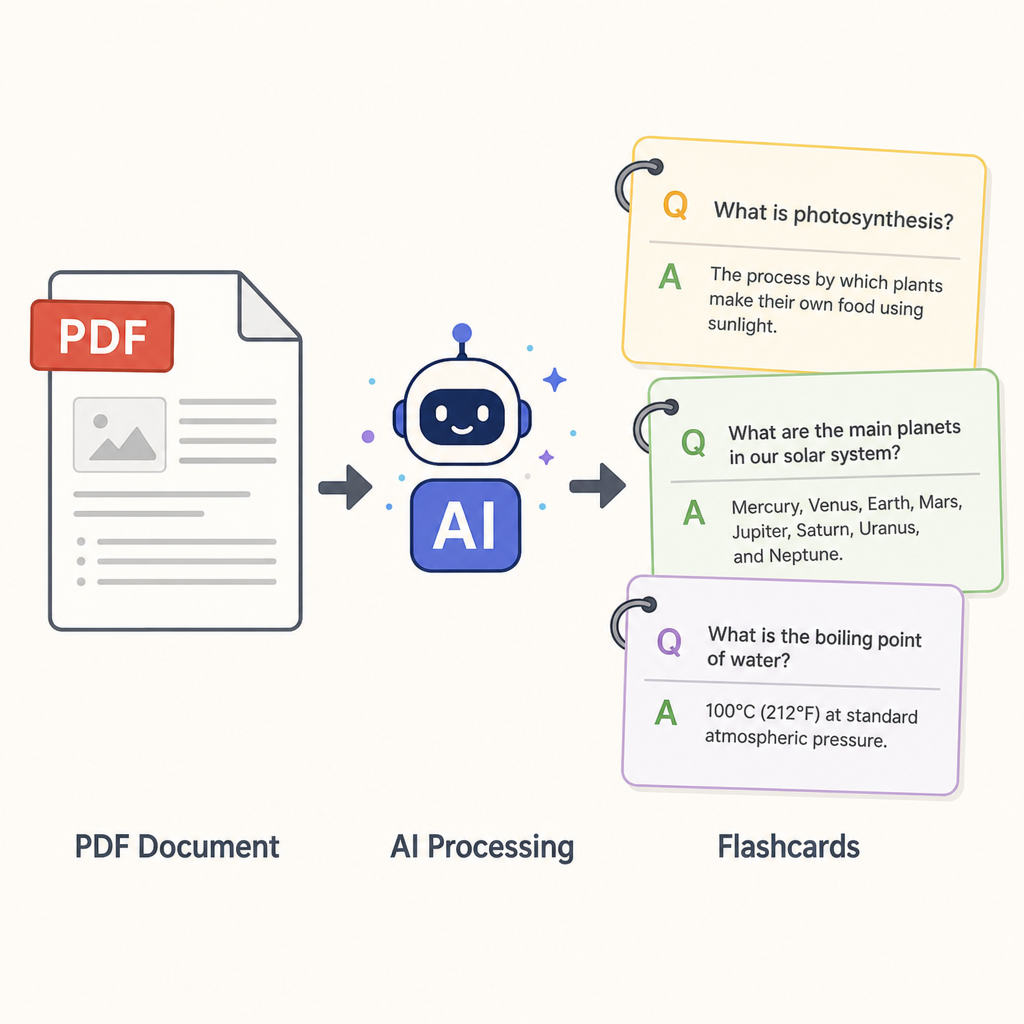
Understanding how AI flashcard generators work highlights their benefits. The process begins with uploading a PDF of your lecture notes to the AI-powered tool. This could be Studeum or another platform. The AI analyzes the document, pinpointing key terms and concepts.
Once the analysis is complete, the AI organizes this information into potential flashcards. This involves creating questions and answers from the detected key points. It's a quick and efficient transformation from lengthy text to bite-sized learning aids.
These generated flashcards are not just text. They can incorporate various multimedia elements, such as images or even audio clips. This feature enriches the learning experience, accommodating different learning preferences.
Here’s how the workflow typically looks:
- Upload PDF to the platform.
- AI scans and analyzes text.
- Key concepts are converted into flashcards.
- Flashcards are enhanced with multimedia elements.
After generating the flashcards, users can easily review, edit, or organize them for their study sessions. This ensures the cards suit specific learning needs and preferences.
AI flashcard generators provide a powerful and adaptable solution for creating effective study tools from lecture content.
by kenny cheng (https://unsplash.com/@kenny161616)
Step-by-Step Guide: Turning Lecture PDFs into Digital Flashcards with Studeum
Creating digital flashcards from lecture PDFs with Studeum is a breeze. Here’s a straightforward guide to streamline your study preparation.
First, gather all relevant PDFs containing your lecture notes. Ensure these files are organized and easily accessible on your device. This step prevents any unnecessary delays when uploading the documents to Studeum.
Next, log into Studeum or create an account if you haven't yet. The platform is user-friendly, requiring minimal technical skills to navigate. Once logged in, you'll find the option to upload your PDFs on the dashboard.
After selecting the PDF upload option, choose the file you wish to convert. Uploading may take a few moments, depending on the file's size. Once uploaded, the AI begins analyzing your lecture content automatically.
The AI efficiently scans your lecture notes, identifying key topics and terms. This swift action lays the groundwork for generating precise and relevant flashcards. Upon completion, a preview of the generated flashcards will be available for your review.
With your flashcards drafted, take a moment to customize them. Studeum allows you to modify questions, add multimedia, or annotate important details. This personalization enhances learning and ensures the flashcards align with your study habits.
Here’s a quick checklist for customizing your flashcards:
- Edit questions and answers for clarity.
- Integrate images or audio for engagement.
- Add notes or annotations for deeper insights.
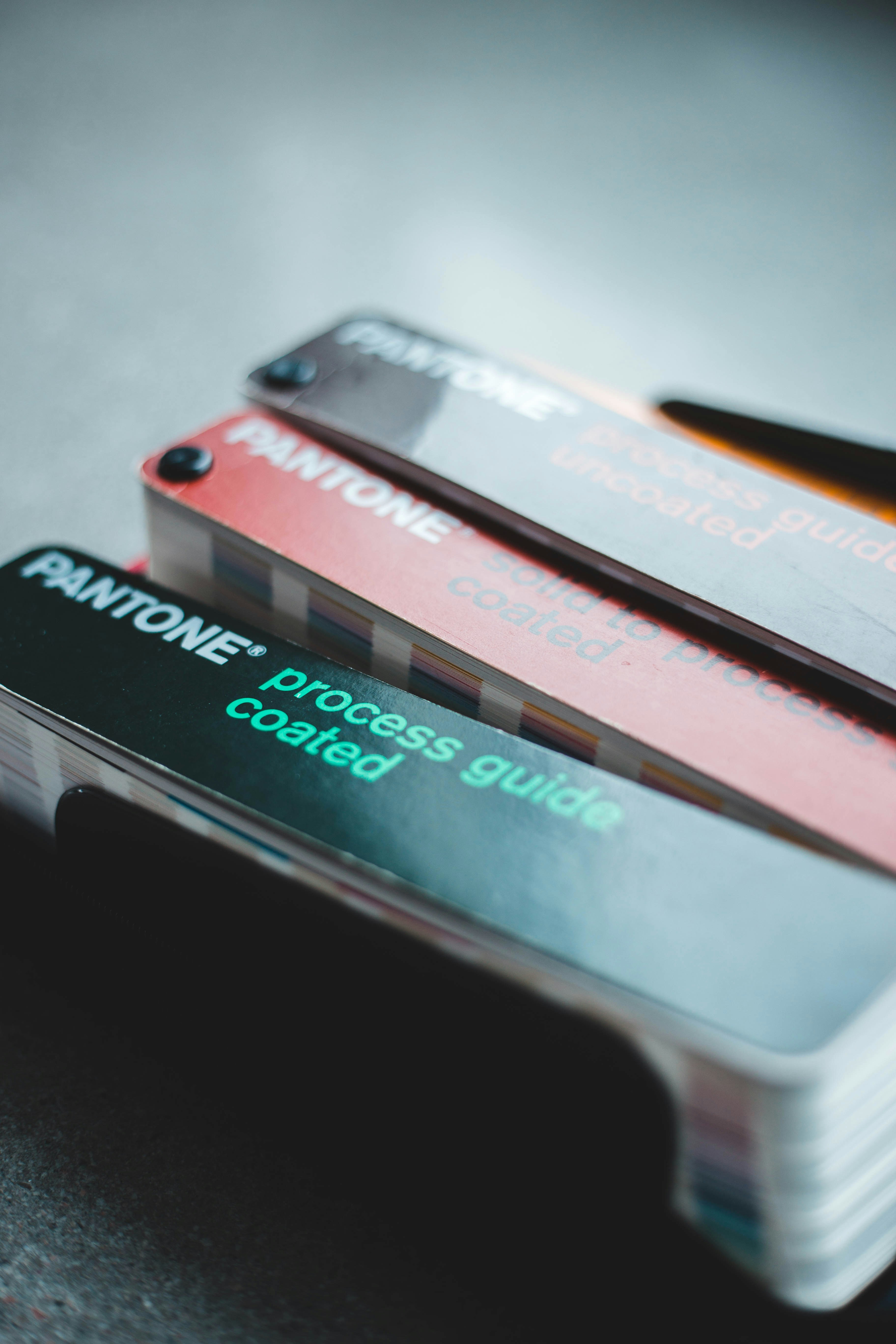
by Erik Mclean (https://unsplash.com/@introspectivedsgn)
After customization, organize your flashcards into decks based on subjects or topics. This structured approach aids in more systematic revision and retention. Name each deck appropriately to facilitate easy retrieval during study sessions.
Finally, with everything set, your flashcards are ready for use. Take advantage of Studeum’s features to review and test your knowledge regularly.
by Jovan Vasiljević (https://unsplash.com/@jovanvasiljevic)
To summarize, using Studeum is efficient and tailored to modern learning needs, empowering you to study smarter, not harder.
Benefits of Using Flashcards for Memorizing and Studying
Flashcards are a time-tested tool for improving memorization and study efficiency. They are designed to facilitate active recall, a crucial learning process that strengthens memory. This method makes studying both engaging and productive.
Digital flashcards offer flexibility and accessibility. You can study on the go, switching between devices seamlessly. Their digital nature allows for easy updates and adjustments, unlike traditional paper flashcards.
Here's why flashcards are effective study aids:
- Boost memory retention through repetition.
- Engage multiple senses with multimedia features.
- Provide quick reviews of key concepts.
- Adapt to various learning styles and needs.

by Dan Nelson (https://unsplash.com/@danny144)
Flashcards support spaced repetition, a technique proven to improve long-term retention. This approach involves reviewing cards at increasing intervals, which solidifies knowledge in your memory over time.
Moreover, the customization offered by digital flashcards enhances learning. Personalize your cards with themes and colors that suit your preferences, adding a layer of motivation to your study sessions. With these benefits, flashcards become an indispensable tool for learners at any stage.
Customizing and Organizing Your Flashcards for Maximum Learning
Customization is a game-changer when it comes to using flashcards effectively. Tailoring flashcards to fit your unique study habits can enhance retention. Personalize the content to align with your learning goals.
Organizing flashcards systematically is essential for structured learning. Group related topics into decks to make studying efficient and coherent. This arrangement facilitates focused review sessions, targeting areas needing improvement.
Here are tips for organizing flashcards:
- Create decks by subject or chapter.
- Use tags to highlight important topics.
- Sort cards by difficulty for progressive learning.
- Update decks with new information regularly.

by Bogdan Ses (https://unsplash.com/@smukbird)
Furthermore, digital flashcards allow integration of various multimedia elements. Add images or audio cues to the cards to cater to different learning styles. The possibility of incorporating different formats aids in deeper comprehension.
By customizing and organizing your flashcards, you create an effective study system. This approach not only makes studying more enjoyable but also maximizes the knowledge you gain.
Advanced Features: Multimedia, Spaced Repetition, and Collaboration
Digital flashcards have evolved with advanced features to boost learning outcomes. Incorporating multimedia elements enriches the learning experience. Adding videos or diagrams makes complex concepts more graspable and engaging.
Another powerful technique is spaced repetition. It involves reviewing flashcards at increasing intervals to enhance long-term memory. This method is proven to improve retention and recall, especially for challenging subjects.
Consider these features for maximizing your study sessions:
- Integrate images, audio, and video clips.
- Utilize spaced repetition algorithms.
- Share and collaborate on flashcards with peers.

by Garrhet Sampson (https://unsplash.com/@garrhetsampson)
Collaboration is essential for active learning. Share your flashcard decks with study groups to foster discussions and peer support. Collaborative learning encourages diverse perspectives and strengthens understanding.
Digital flashcards have truly redefined studying. By leveraging multimedia, spaced repetition, and collaboration, you can create a dynamic and effective study environment. This approach not only aids in knowledge retention but also enriches the overall learning process.
Comparing Studeum with Other Flashcards Makers
When choosing a flashcards maker, it's important to compare features. Studeum stands out with its AI-powered capabilities. It efficiently transforms lecture PDFs into digital flashcards, saving time and effort.
Unlike traditional flashcards makers, Studeum employs sophisticated AI to extract and highlight key concepts from your PDF notes. This precision ensures that your study materials are concise and targeted.
Here's how Studeum compares with others:
- AI Integration: Automates flashcard creation.
- PDF Compatibility: Converts lecture notes seamlessly.
- User-Friendly Interface: Requires minimal technical skills.
In addition to its advanced features, Studeum offers a user-friendly experience and customizable flashcards. While other tools might provide basic options, Studeum excels in delivering a comprehensive and interactive study solution. With Studeum, you're equipped with an efficient tool that enhances the learning process significantly.
Frequently Asked Questions about AI Flashcard Generators
What is an AI flashcard generator?
An AI flashcard generator uses artificial intelligence to create study flashcards from documents like PDFs. It identifies key information and turns it into questions and answers for effective study sessions.
How does it benefit students?
Students benefit from quicker study prep and better retention. AI technology highlights critical data from PDFs, making revision focused and efficient. This speeds up the learning process and improves comprehension.
Here's a quick list of common concerns:
- Ease of Use: Simple interface for all users.
- Accuracy: Precisely extracts and formats content.
- Customization: Options for personalized flashcards.
Can AI flashcard generators support collaboration?
Yes, these tools often allow users to share digital flashcards with peers. This supports group study and collaborative learning environments, enhancing collective understanding and knowledge sharing.
Conclusion: Smarter Studying with AI-Powered Flashcards
AI-powered flashcards are transforming how we learn. By simplifying complex information into manageable pieces, they enhance retention. They provide personalized learning experiences, cater to individual needs, and boost academic performance.
Studeum offers an intuitive platform to create and customize flashcards effectively. Embrace AI technology to streamline your study routine and achieve academic success efficiently. This modern tool supports lifelong learning and knowledge acquisition.
Last updated: July 6, 2026.