StudyFetch Alternative in 2026: PDF-First AI Study Tools Compared
Best StudyFetch alternative for 2026: AI tools that turn lecture PDFs and notes into flashcards, quizzes, and study guides—compared honestly for exam-style retrieval.
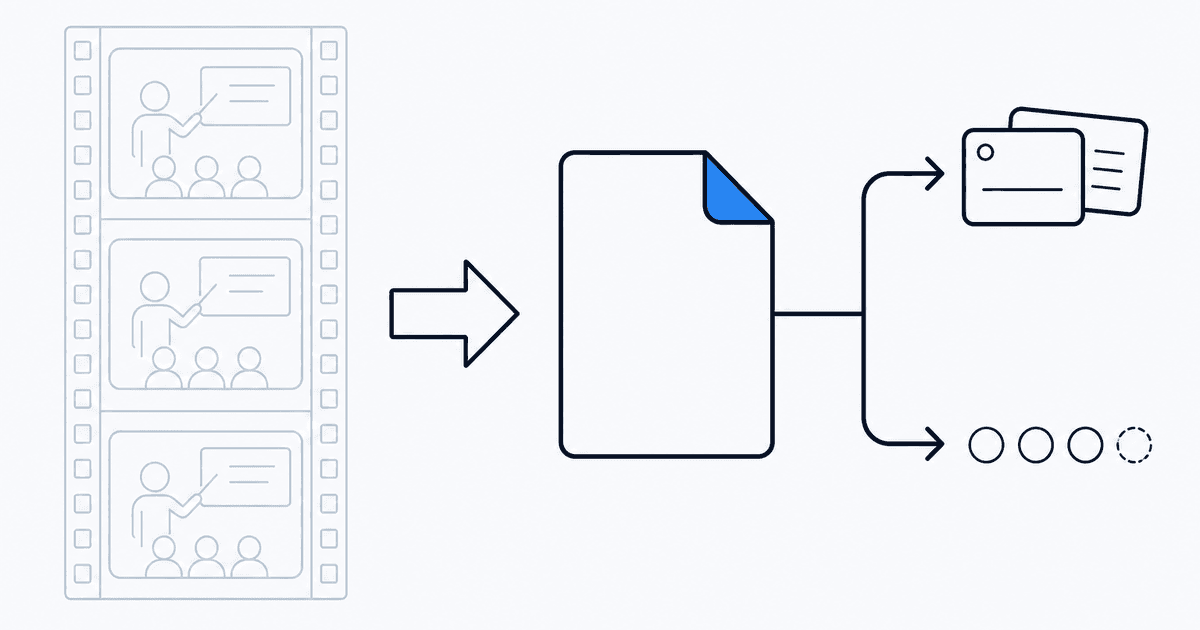
Direct answer: The strongest StudyFetch alternative for most college courses is whichever tool best converts your PDFs and pasted notes into quizzes and flashcards—not whichever mascot generates the fastest lecture recap. Many AI study apps assume video transcripts or Drive folders; exam weeks assume your assigned readings.
When comparing StudyFetch alternatives, score fidelity to your actual files, post-trial pricing, and whether daily outputs are retrieval drills or one-time summaries. If your bottleneck is verifying you know the material—not skimming it—start with PDF-first workflows before chasing another upload-and-summarize loop.
Studeum — Ideal for PDF to Study Guide to Practice Drills
If your exams are based on dense reading materials, Studeum aligns well with the study habits of many college and certificate programs: read, quiz, identify gaps, and repeat. This tool respects your study process without forcing you to adapt to a podcast-like learning model.
NotebookLM — Seamless Q&A within Google's Ecosystem
NotebookLM excels when you have minimal friction in importing materials, particularly if everything is already stored in Google Drive. It supports exploratory questions across sources, though it requires a commitment to Google's ecosystem and operates with different priorities than flashcard-centric apps.
Knowt and Similar Consumer AI Decks
These tools are beneficial when community templates help you get started quickly. However, treat the outputs as rough drafts. For high-stakes courses, it's crucial to cross-check against the syllabus.
TurboLearn-Style Rapid Summarizers
These tools are valuable for quick orientation when time is of the essence. However, pair them with deliberate retrieval practices—otherwise, you risk collecting summaries as trophies rather than developing skills.
Manual Pipelines — Notion Plus Anki
This approach offers maximum control but at a slower pace. It's favored by students who are skeptical of automation affecting their grades.
Honest Decision Checklist
- Where does your source material reside? LMS PDFs, Drive documents, paper scans, or video?
- Do you require traceability back to specific pages or timestamps?
- What are the costs after the trial period, and does pricing scale with pages or minutes?
- Which type of output do you engage with daily—weekly summaries or daily quizzes?
If PDFs and exam-focused practice are essential, test Studeum with a challenging chapter, track missed quiz themes for a week, and evaluate your confidence on homework. This empirical approach is more reliable than marketing claims.
Privacy, Uploads, and Institutional Guidelines
Before uploading sensitive research or unpublished work to any cloud tool, review your school's computing policy and any lab confidentiality agreements. When uncertain, use workflows approved by your advisor. For routine coursework PDFs, the risk profile is different, but informed consent remains crucial.
Handling Imperfect Sources
Real-world files are often messy: rotated scans, duplicate pages, or handwritten notes in the margins. Expect initial AI outputs to sometimes overlook side notes; treat them as drafts. The real benefit is ten minutes of correction replacing two hours of starting from scratch.
Longitudinal Comparison
If you try multiple tools, maintain a simple log: date, tool, time spent, items attempted, perceived difficulty, and ease of homework the next day. After two weeks, this spreadsheet will provide more insight than relying on forum anecdotes.
Enterprise and Workplace Learners
Professionals pursuing credentials face similar tool selection challenges with less guidance: where does authoritative content reside? If it's internal PDFs and policies, prioritize tools that respect upload boundaries and ensure your employer permits cloud processing. Studeum is well-suited for self-paced certification studies when materials are yours to use.
Version Control for Dynamic Documents
Syllabi and slides often change mid-semester. Note the date or version when uploading to ensure generated practice materials do not reference outdated content. A simple filename habit can prevent future confusion.
Multilingual Sources
International students often manage readings in multiple languages. Summaries can clarify content, but verify technical terms against the language used in exams. Create a dual glossary: concept, English label, and first-language intuition. Quiz both directions weekly.
Laboratory and Field Courses
PDFs might lag behind on-site observations. Supplement uploads with dated field notes and photos (if policy allows) to ensure generated practice reflects your actual observations, not just the printed lab script.
Mentorship and Advising
Advisors focus on outcomes, not your tech stack. However, discussing evidence-based study habits during check-ins signals maturity and may lead to better guidance on course planning.
Summer Bridge Programs
Intensive summer sessions benefit from tools that streamline onboarding. A single upload-to-quiz pipeline, like Studeum, minimizes administrative time when every day feels like a sprint.
Red Teaming Your Own Summaries
Ask yourself: If I were a strict professor, how could I test this section unfairly? Then generate questions accordingly. Defensive studying may seem excessive until it saves you points.
Alumni Mentorship
Graduates often recall tricky questions; ask them about patterns, not specific answers. Integrate pattern knowledge into retrieval decks rather than collecting anecdotes you never utilize.
Last updated: July 16, 2026.