Study Planner Apps: How to Pick One That Fits Exams, Not Just Your Calendar
Study planner apps go beyond Google Calendar—learn how to block review time, plan exam weeks, and connect your schedule to active recall and quizzes.
Study planner apps promise to fix the semester—but most students color-code a few blocks and never look again. Generic calendars track when things happen, not what you need to rehearse before midterms.
This guide compares calendar-style planners with study-specific tools, outlines a weekly workflow that survives a heavy course load, and shows how to tie blocked time to active recall.
Calendar Apps vs. Study Planner Apps
Google Calendar and Notion timelines excel at deadlines: assignments, labs, office hours. They are weak at learning tasks that repeat until an exam.
| Need | Calendar app | Study planner app | |------|--------------|-------------------| | Due dates and class times | Strong | Often syncs from calendar | | Recurring review blocks | Manual setup | Built around spaced sessions | | Link to flashcards or quizzes | Usually none | Often integrated | | Exam week layout | You design it | Templates for block study |
A student planner app should answer every Sunday: What is due? What am I weak on? When will I test myself on both?
What to Look For in Study Planner Apps
Before downloading five apps, decide what you need:
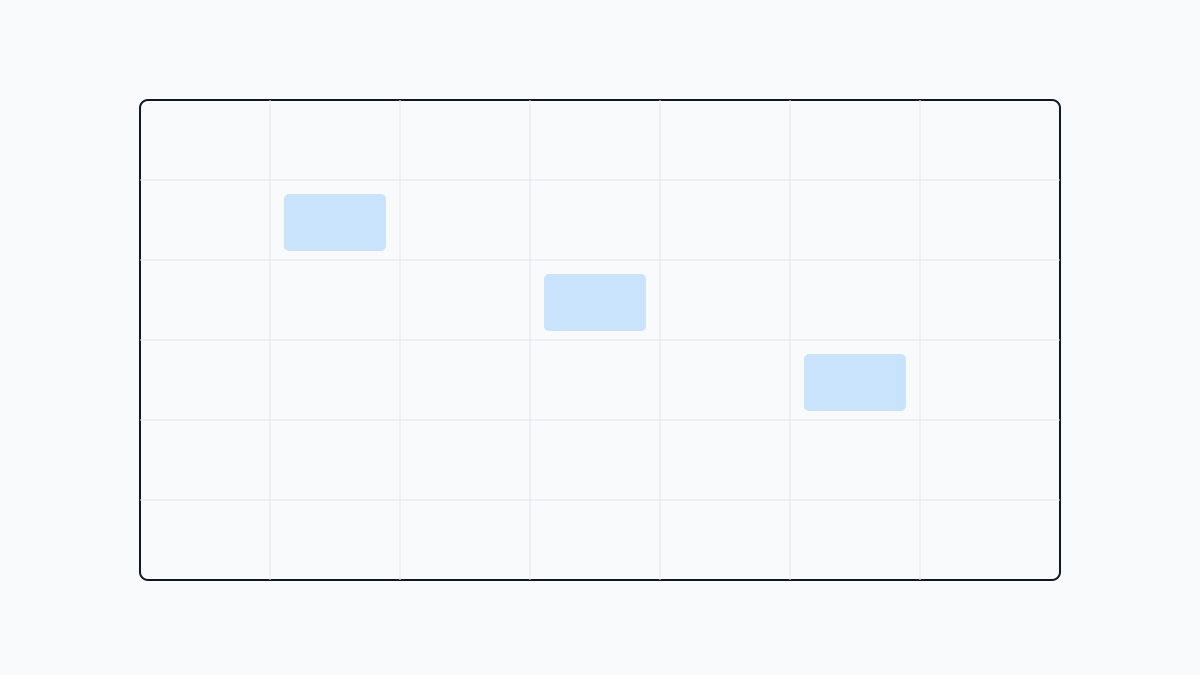
- Time blocking — fixed deep-work slots, not all-day "study" blobs
- Course tags — keep subjects separate
- Exam countdown — runway to the next high-stakes date
- Recall hooks — flashcards, quizzes, or drill checklists
Free tiers work for solo use. Pay when sync or unlimited courses removes real friction.
A Weekly Planning Workflow That Sticks
Most abandoned planners fail in the first ten minutes of the week because the plan is vague.
Sunday (20 minutes): Pull syllabus due dates into your calendar, list each course's next exam, and block three to five 25–45 minute review sessions with a named topic. Leave one catch-up slot before exam week.
Daily (5 minutes): Ask whether today's block matches what you forgot yesterday. Swap generic "bio review" for "enzyme kinetics flashcards" when practice questions expose a gap.
Exam Blocks: Two Weeks Before the Test
Reverse-plan when an exam is fourteen days out:
- Days 14–10 — coverage pass: one unit per block
- Days 9–5 — active recall: flashcards and closed-book prompts
- Days 4–2 — weak-spot drills and one timed practice set
- Day 1 — light review, sleep, no new material
Mark these phases in your study schedule planner so you do not spend exam eve rereading chapters you never tested yourself on.
Connecting Your Planner to Active Recall
A block labeled "study" without a task is procrastination bait. Tie each session to an output:
- Run ten flashcards from last week's lecture
- Complete one quiz chapter closed-book
- Explain one concept aloud in three sentences
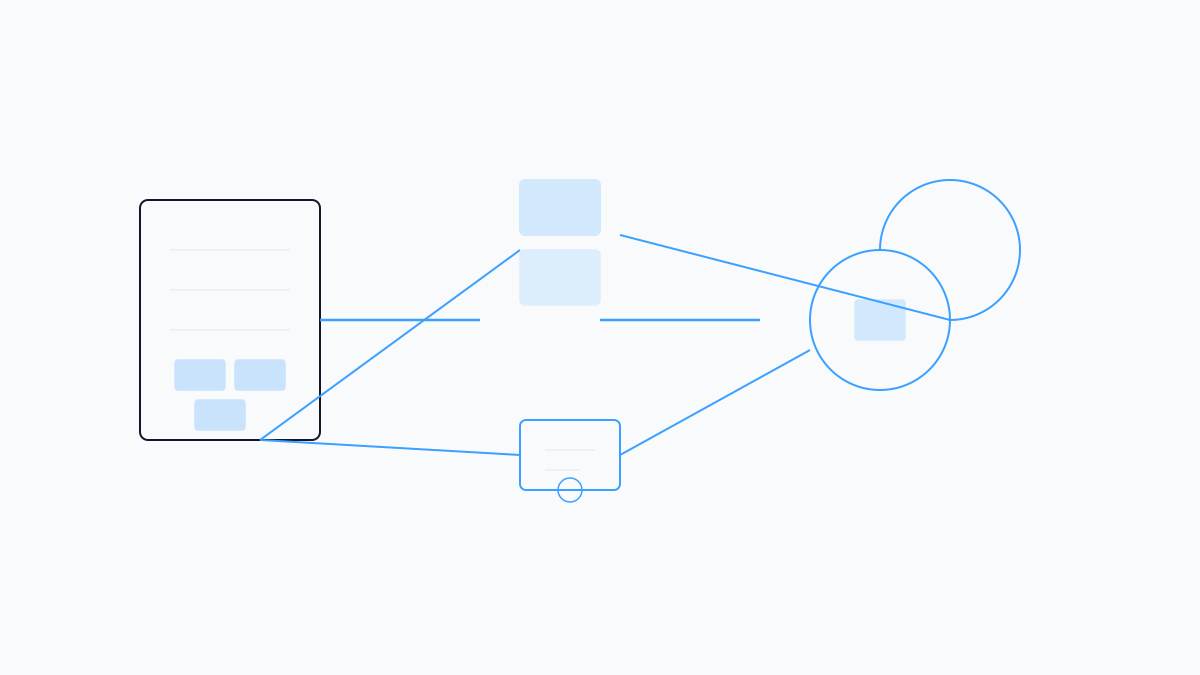
Studeum fits this loop when materials live in PDFs: upload a unit, generate quizzes via the AI quiz generator from PDF, and schedule returns in whatever planner you use. The app handles what to review; your planner handles when.
For shared-deck courses, see Studeum vs Quizlet—then pick one recall path instead of splitting across three apps.
Study Planner Apps Worth Knowing
| Style | Examples | Best for | |-------|----------|----------| | Calendar + tasks | Google Calendar, Todoist | Deadlines and blocking | | Student planners | MyStudyLife, Shovel | Course schedules | | Study + recall | Studeum | PDFs → quizzes and cards |
Start with one calendar and one recall tool.
Common Mistakes
- All-day "study" events — use 30-minute named tasks instead
- Planning without quizzing — the planner becomes a wish list
- Rebuilding every Sunday — duplicate last week's skeleton and edit
Check Studeum pricing for quizzes and flashcards from uploads without another subscription.
Start With One Week
Pick your hardest course. Block four named review sessions. Before each block ends, run five minutes of active recall.
Try Studeum on one chapter and attach the generated quiz to tomorrow's planner block. More workflows live on the Studeum blog—one week, one course, one recall habit.
Last updated: July 12, 2026.